AI training for leaders and decision-makers at any company size

Stop working for your AI. Let it work for you. Make AI your most reliable teammate. Win back hours of your day.

Move beyond occasional prompting to a real teammate: it grasps complex tasks, drafts your documents, and, built into your workflows, handles the routine on its own, asking only when your decision is needed.

Freelancers • SMEs • Enterprises • Leaders • Decision-makers
WENOVA · The goal of the training

More than chat: AI in your daily work

Most people ask ChatGPT something a few times a day. It's convenient, but it isn't real efficiency: this way you work for your AI, not the other way around. As a leader, you expect your team to work independently, not just react. That's exactly what we get AI to do.

The key shift

Learning and problem-solving with AI

When you don't know something, AI is there: it shows you how to start and how to get it done. Once this clicks, you can learn almost anything, and grow far faster.

From the ground up

Professional prompting

You learn to prompt precisely and professionally, so that even starting from near zero you ask the right way and get a good result on the first try.

Project-based work

Handling complex material

Processing many documents and project folders, building and maintaining the right context, so you get the best possible result.

Reactive → proactive

AI works for you

You don't prompt constantly: AI starts on its own and carries the task through within its remit.

Teammate

Independently, in the background

It reads through emails, summarizes meetings, creates and assigns tasks, and only speaks up when a leadership decision is needed.

Workflow

Built into the workflow

One trigger event, and AI runs the routine, then hands the result to the next step in the process.

WENOVA · Target audience

Who it's for

From freelancers through SMEs to large enterprises, for the decision-makers and leaders who have already used AI but haven't yet built it into their daily operations.

Target group

Leaders and decision-makers, at any company size

Managing director, middle or senior manager, team lead, freelancer or professional lead. Company size doesn't matter; what matters is that, in a decision-making role, you want to build AI into your own work.

Managing directorMiddle managerTeam leadDecision-makerFreelancerSME → enterprise
Expected level

No technical background needed

Occasional ChatGPT use is enough. Deep technical knowledge is not required, but working-level English is expected.

ChatGPT basicsClaude ProChatGPT PlusOwn laptopEnglish working language

This training is for those who don't want AI tricks, but faster, more organized, better business operations.

WENOVA · Upcoming event

Workshop Details

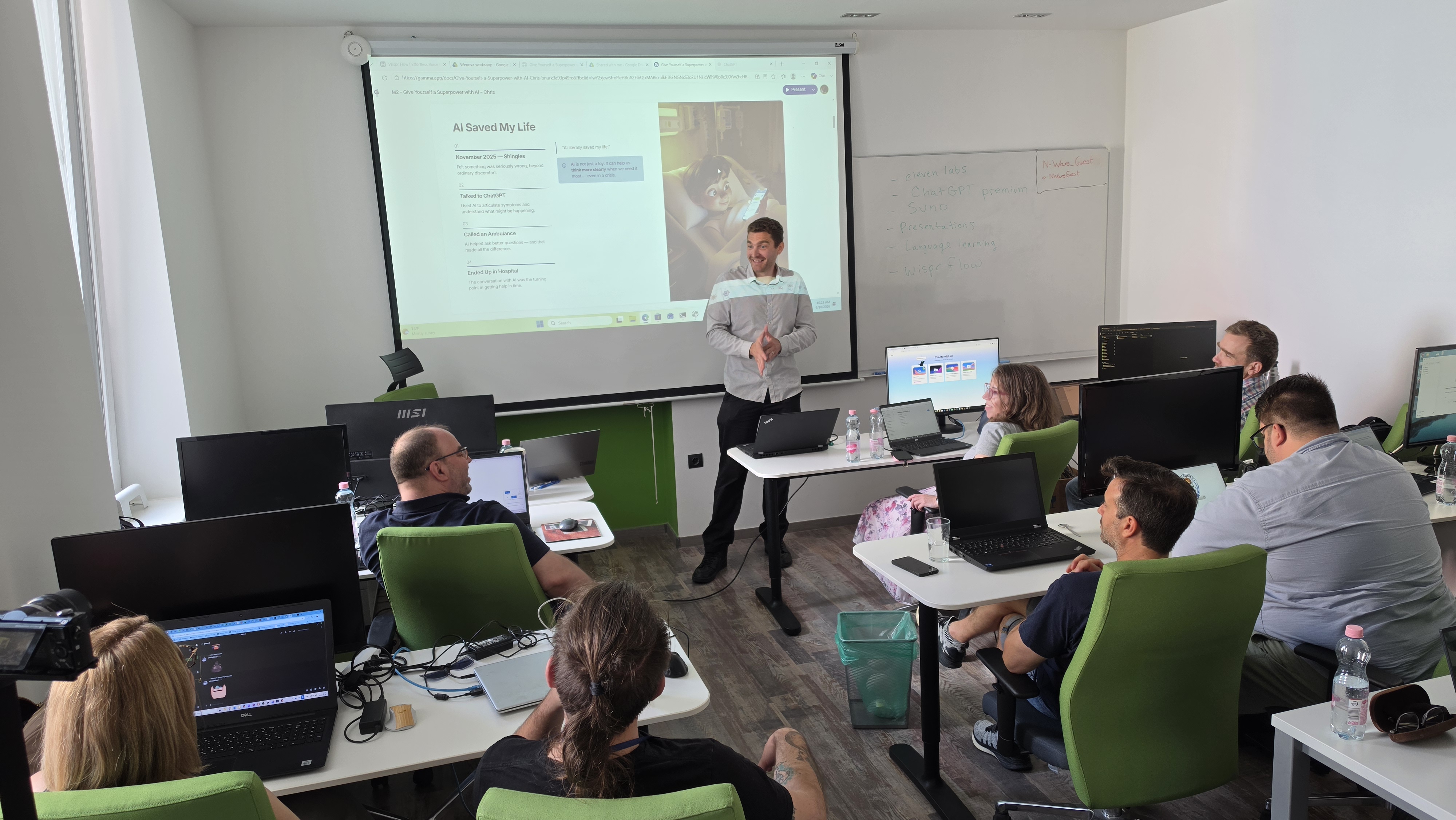
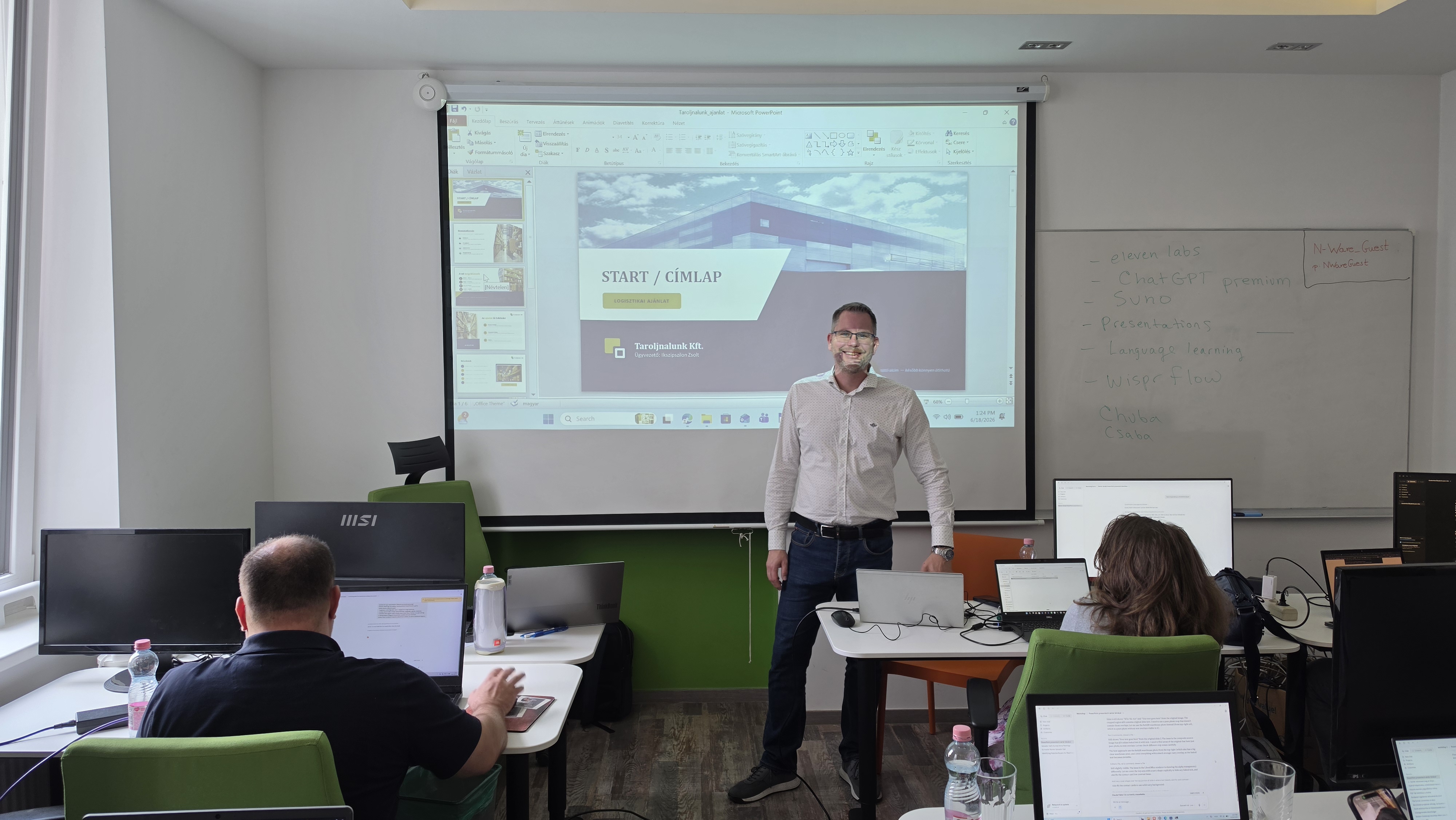
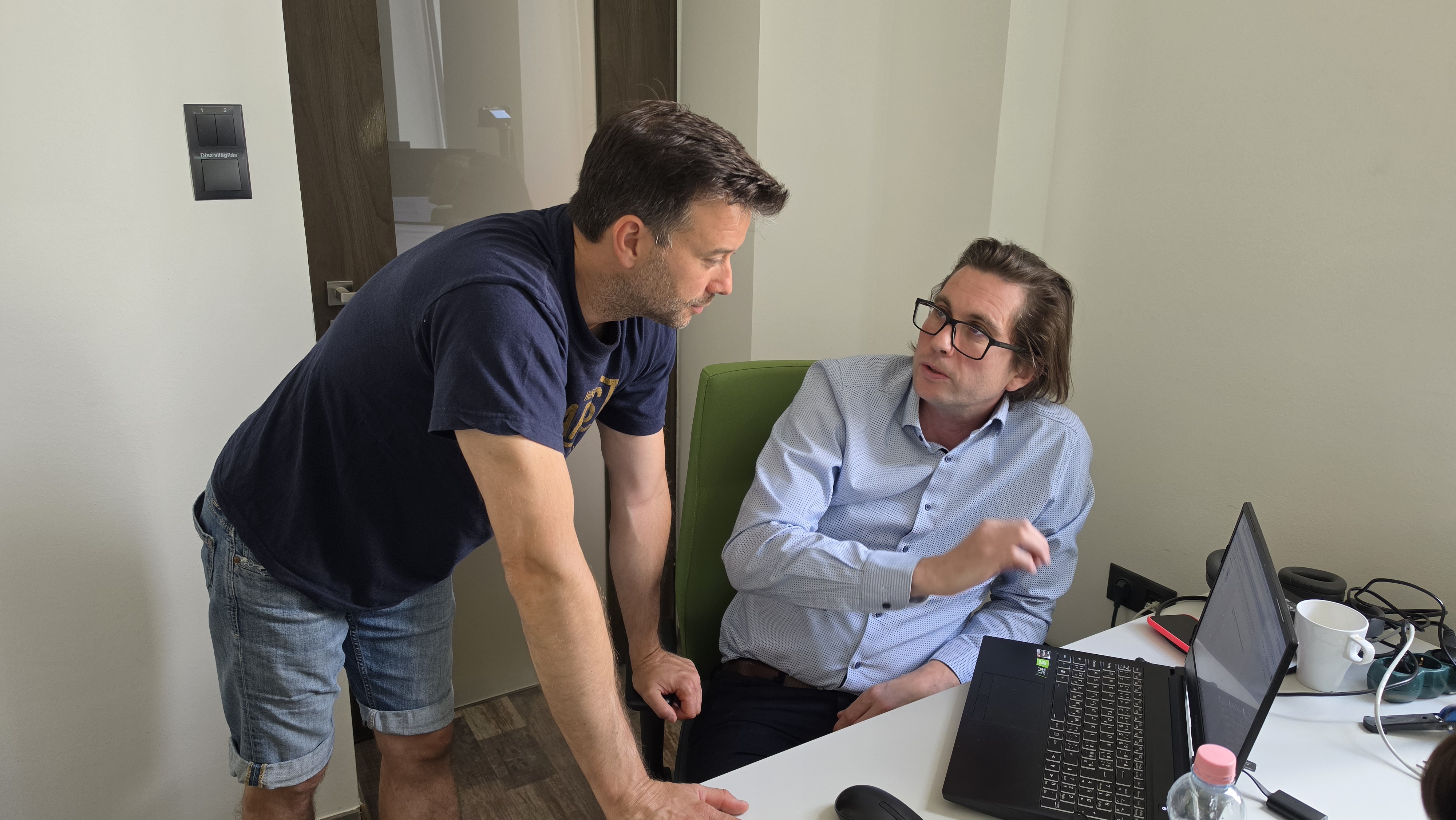
A small-group, hands-on training. With live demos, individual work and processing your own business examples.

Size

10–16 people

In-person participation, U-shaped or cluster layout.

Method

Classroom + live demos

Demo, practice, your own workflows and feedback.

Tools

Own laptop + active subscription

We work with active Claude Pro and ChatGPT Plus access.

Duration 1 day · 09:00–17:00
Training 360 min · 7 modules
Format Classroom · Live demo
Prerequisite Claude Pro + ChatGPT Plus
WENOVA AI Foundation Course

A curriculum of 7 modules

The morning is theoretical grounding and content generation, the afternoon is real business processes with Claude Desktop and agentic tools. Csaba Piya, Chris Belluzzi, Zoltán Kemény and Krisztián Kemény guide participants through the day.

Schedule

Arrival from 09:00 with coffee and networking, a prompt start at 09:30; the program includes 360 minutes of training in total, a 60-minute lunch break and a 30-minute coffee break.

09:00–09:30 - Arrival, coffee, networking -
09:30–10:00 M1 Theoretical introduction Csaba Piya HU
10:00–10:45 M2 Prompting basics + professional prompting Chris Belluzzi EN
10:45–11:30 M3 Professional content generation Chris Belluzzi EN
11:30–12:00 M4 Claude Tools Csaba Piya HU
12:00–13:00 - Lunch -
13:00–14:00 M5 Use Cases · Enterprise solutions Zoltán Kemény HU
14:00–14:15 - Break -
14:15–15:15 M6 Co-Work and Artifacts Krisztián Kemény HU
15:15–16:15 M7 Code + Agentic Use Csaba Piya HU
16:15–17:00 - Closing, Q&A Csaba Piya HU
M1
Theoretical introduction

The history of AI, its types, the kinds of machine learning, how LLMs work, hallucinations, and today's main models. As much theory as professional use requires, no more.

M2
Prompting basics + professional prompting

What distinguishes superficial from professional prompting. The structural elements of a good prompt, iteration patterns, Hungarian vs. English comparison. Live demos in ChatGPT.

M3
Professional content generation

Text, image (DALL-E), music (Suno), basic video (Gemini / Flow). Tool selection: what, when, why. The toolkit map of content production.

M4
Claude Tools

Chat, Co-Work, Code: what each is for and when to use which. Context window, the session model, and what sets Projects apart. Desktop vs. web, mobile app, account structure. A setup walkthrough before the real work.

M5
Use Cases · Enterprise solutions

Three use-case types with live examples: developing a new business idea, data processing, lead generation and quoting. An enterprise perspective. Everyone tailors the chosen type to their own domain.

M6
Co-Work and Artifacts

Deepening the use case started in M5 with Co-Work. Artifact types: structured document, HTML presentation, data visualization, email draft, interactive element. MCP servers in brief.

M7
Code + Agentic

Assistant vs. Agent. The Reason → Act → Observe → Adjust cycle. Building your own agentic solution on the M5–M6 use case: creation, testing, verification, deployment, scheduled runs.

WENOVA · Trainer team

Trainers

Four experts who work with AI day in, day out on real business challenges.

Csaba Piya

Csaba Piya

Lead AI trainer
Hungary
Summary

A technology entrepreneur who has seen it all from the inside, from writing code to building companies: as a founder he grew software companies from a handful of people to 50+, and designed complex systems for enterprise clients (including Fortune 500 companies). Today he is fully focused on AI, convinced that well-used artificial intelligence and digitalization take every organization up a level.

Company building Business development Deep technical expertise AI technologies Digitalization & transformation Enterprise systems
Chris Belluzzi

Chris Belluzzi

AI Trainer & Community Builder
USA
Summary

An AI trainer, entrepreneur and community builder who, since the dawn of AI, has taught its practical, human-centered use. He is building a youth center and supporting the next generation, because that is the best way to build the future.

Creative AI Prompting Content generation Speaking & teaching Community building
Zoltán Kemény

Zoltán Kemény

Managing Director · DHL Supply Chain
Hungary
Summary

Managing Director of DHL Supply Chain. Under his leadership the organization grew from roughly 500 to 1500 people, building on earlier roles at Magna, Nokia and Microsoft. A true team builder and organization developer with outstanding logistics and operations leadership experience. He is especially interested in enterprise and executive AI use cases, and has hands-on experience with them.

Enterprise leadership Organization development Company building Logistics & operations Team building
Krisztián Kemény

Krisztián Kemény

Design Chapter Leader
Austria
Summary

He blends technical precision with creativity: 15+ years of product development and technical project management on premium automotive projects (Jaguar Land Rover, DRÄXLMAIER). He threw himself into the world of AI with great enthusiasm after seeing how much value and competitive edge it can create in everyday work.

Technical + creative Product development Project management CAD / DFM AI in practice

What will you take home by the end of the day?

These are the capabilities you take with you, and use the very next morning.

Professional prompting

You write precise, reusable prompts (even via meta-prompting) so AI delivers what you need on the first try.

A complex task across multiple turns

You carry a complex piece of work through with Claude, keeping context, not in fragments but as one process.

Your own Claude Project

You build a project that knows your materials and your way of working, and works accordingly.

Claude Desktop on your machine

You work on real documents with file-system access, not just by copying into the browser.

A proactive, agentic workflow

You assemble a workflow that starts on its own from a trigger event, for your own business need.

Limits and safety

You know how far you can trust agentic use, and what to watch for in daily work.

Our methodology

We believe AI delivers real value when it works on its own, inside your daily work. That's why we don't give a theoretical lecture, but work on real tasks, hands-on, so you can use it the very next morning.

Method

Topics + live solutions

The presentation doesn't cover the solutions; the trainer adds them live, in real situations.

Tone

Content over hype

Objective, plain communication without empty promises. Whatever we claim, we also demonstrate in practice, with real examples.

Ratio

80% practice, 20% theory

You spend most of the time working on real tasks yourself, with the trainer beside you throughout. There's only as much theory as confident, independent use requires.

Tools

Claude-centered, complemented by ChatGPT

We build the hands-on work around Claude, and show you when it's worth bringing in ChatGPT too, so you always pick the right tool for the task.

The three pillars of effective AI

A well-working AI solution isn't limited to the chat window. Three things make it truly useful in daily work, and this is the mindset we pass on at the workshop.

1. Autonomy

Interprets, plans and breaks down on its own

AI doesn't just answer a single question: it interprets the task on its own, breaks it into steps and plans the path to a solution, so it can see complex work through.

2. Tools

Reaches the data, controls the systems

AI accesses external data sources (documents, databases, the web) and controls external systems. So it doesn't just talk about the work, it gets it done.

3. Validation and guardrails

Checked results, within bounds

Continuous checking of intermediate and final results: AI stays within the defined bounds, and the result meets the criteria set in advance.

WENOVA · Tool choice

Why do we teach Claude?

We show you many tools, but the backbone of the hands-on work is Claude. Not out of brand loyalty: where real, daily work is at stake, this is the model that today gets the most done on its own, and reliably. Here's why.

Performance

Leading on real tasks

Claude regularly ranks among the top on independent benchmarks measuring coding and agentic tasks (e.g. SWE-bench). It's strong not in demos, but in complex, multi-step work.

Agent

It doesn't just answer, it works

Claude Code and Cowork carry complex tasks through on their own. Anthropic released MCP (Model Context Protocol) as an open standard, which the whole industry now uses to connect external data and systems.

Reliability

Follows instructions, makes up less

It follows long, detailed instructions precisely, and is less prone to stating false information confidently. In a business setting, that predictability matters most.

Trust

Safety- and data-handling-focused

Anthropic is a company built specifically on the safe use of AI. For business and developer use, it does not use your submitted data for model training by default.

Independent benchmarks and official source: SWE-bench · Claude (Anthropic)

Tools covered in the workshop

Alongside the Claude-centered practice, we show you when each tool is the best choice. The most important ones, linked to their official pages.

WENOVA · Feedback

Participant feedback

Here's how participants who have already attended rated the experience.

“The training was extremely practical, full of examples and exercises that I can apply immediately in my work. The family-like, friendly atmosphere kept me comfortable throughout, and the trainers were well-prepared, diverse and inspiring. I found it especially useful to learn the basics of ChatGPT and Claude AI through concrete exercises.”

Andrea
AndreaFreelance IT recruiter

“I not only learned how to use AI tools, but also built new professional connections. The real business examples helped me understand how to use ChatGPT and Claude in my everyday work. The brisk afternoon pace was sometimes hard to keep up with, but luckily I always got help when I got stuck. Overall it far exceeded my expectations.”

Imre
ImreReal estate project manager

“One of the greatest strengths of the training was the direct, friendly atmosphere and the exceptionally well-prepared instructors. Thanks to the hands-on exercises, I started using ChatGPT and Claude AI tools with confidence. I can already see that I can save significant time when creating summaries and optimizing daily workflows.”

István
IstvánLawyer

“I found it particularly valuable that the training did not consist of theoretical lectures, but presented the possibilities of AI through concrete business situations. I learned the basics of using ChatGPT and Claude quickly and clearly. The acquired knowledge can be immediately applied to quickly create documents, summaries and other content.”

Linda
LindaCompany owner, managing director

Ready to make AI a real work tool?

Apply